Adding API Users
When using Forms Authentication an API user can be created to authenticate the Ouvvi Service Agent (Specify Agent Credentials).
Create User
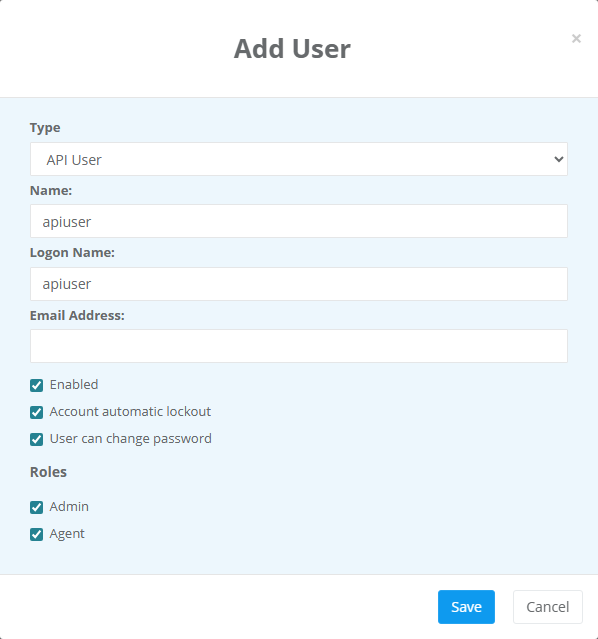
To create this open the User table by going to Settings > User Profiles and click onto the Add User button.
Set the type to API User, specify the name and logon name that should be used, and set the permissions to Agent and Admin.
Set Password
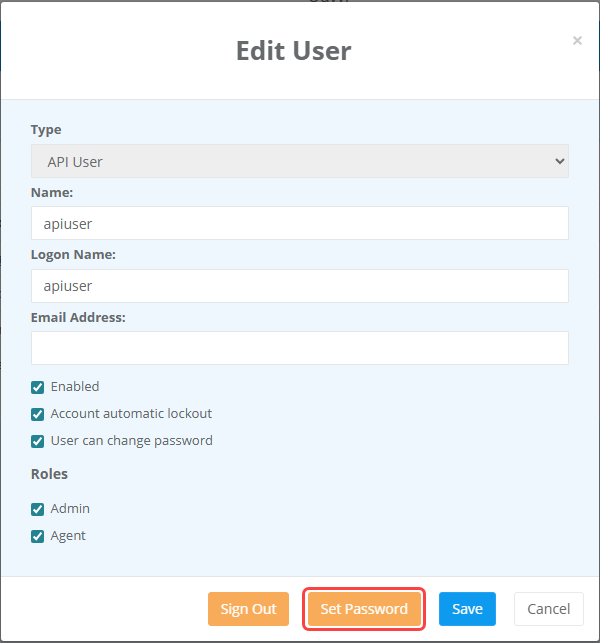
Then click onto the user in the user table and set a password by clicking the Set Password button.
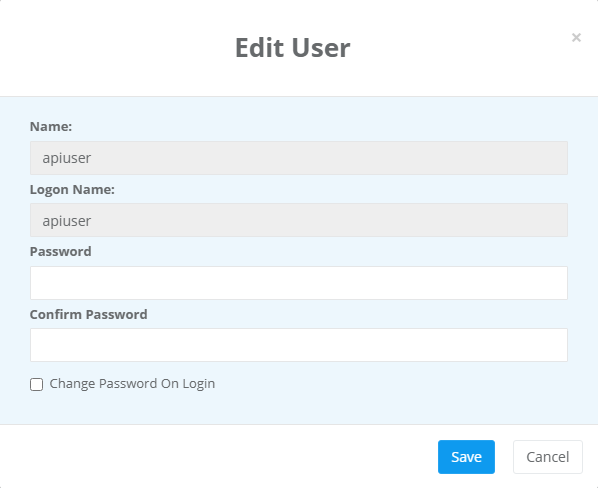
Then enter in the value for the password into both fields and leave the Change Password On Login checkbox unchecked. Click Save to save and set the password.
The API user is now ready to use.