ODBC Database
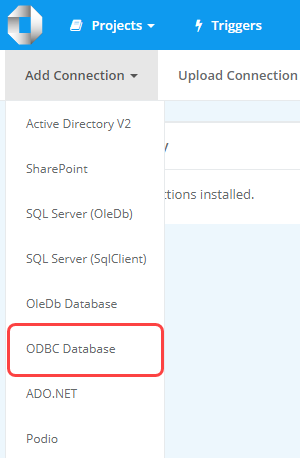
To add a connection to an ODBC database in the connection library in Ouvvi select the ODBC Database option from the list.
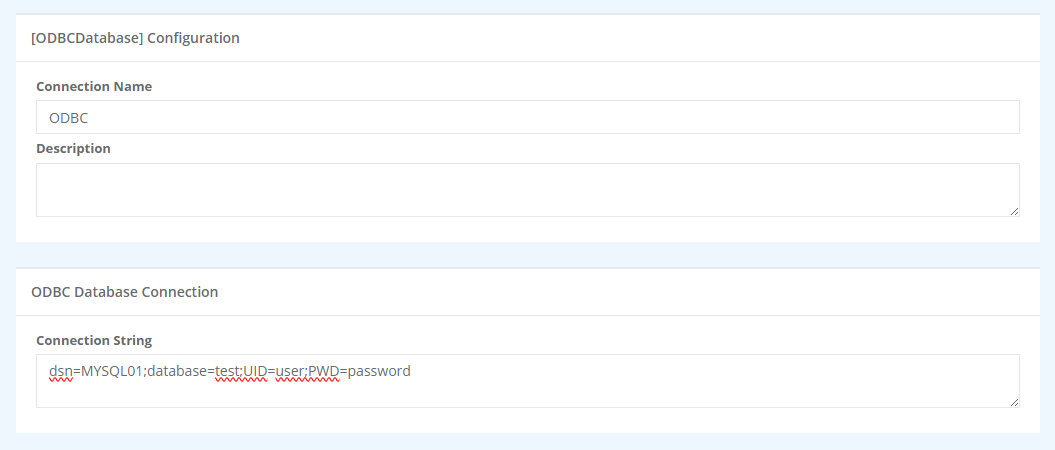
This will open the connection page where you need to enter a name for the connection, an optional description and the connection string to the database.
When you are finished click Save to create the connection, and save it to the Ouvvi connection library.